Best AI Product Photo Generators for Shopee Sellers (2026)
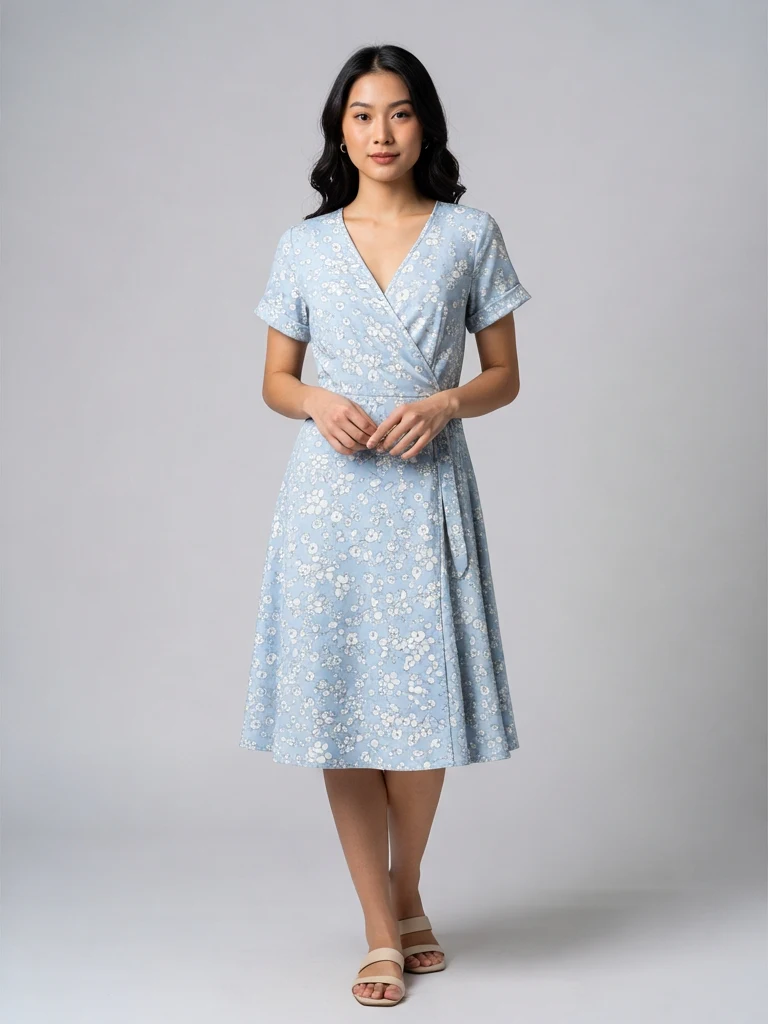
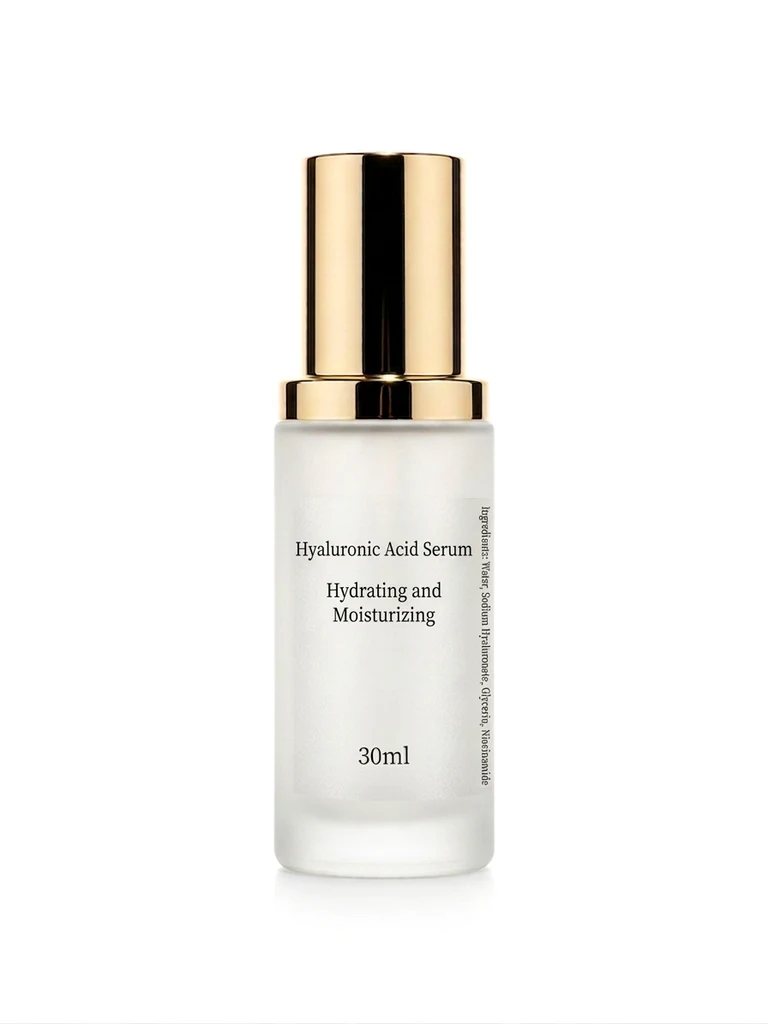
If you sell on Shopee, your cover image does most of the selling. Shoppers scroll past dozens of nearly identical listings, and the photo — not the title — decides whether they tap yours. Hiring a photographer for every SKU costs RM30–80 per photo in Malaysia, which makes no sense when your margin per sale is a few ringgit.
That's why AI product photo generators exploded. You upload one phone photo, and the AI rebuilds it into a clean studio shot or a lifestyle scene. This guide compares the tools that actually work for Shopee sellers in 2026, including what they cost in real money and where each one falls short.
What Shopee sellers actually need from an AI photo tool
Before the list, a quick filter. A tool is only useful for Shopee if it can do these four things:
- Keep your product pixel-accurate. If the AI redraws your product — changes the logo, warps the packaging, shifts the colour — the photo is unusable. Buyers compare the photo against what arrives, and "item not as described" disputes kill your shop rating.
- Produce 1:1 square images at 1024 px or larger. That's the Shopee cover format. Tools built for Instagram stories or banners waste your credits.
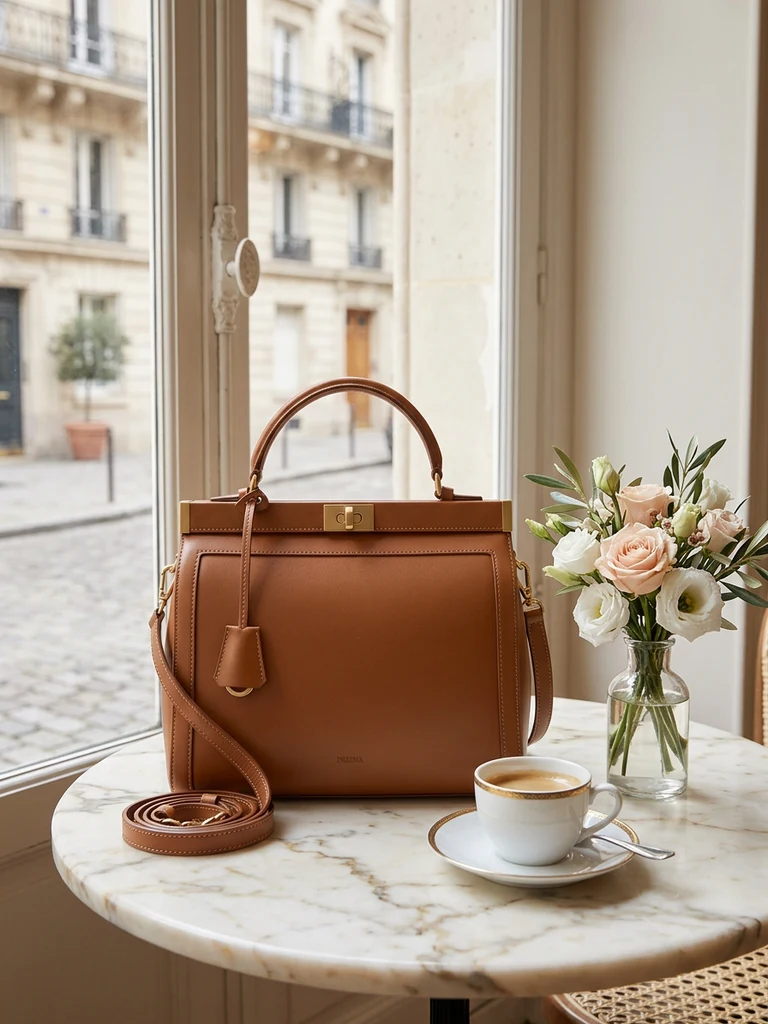
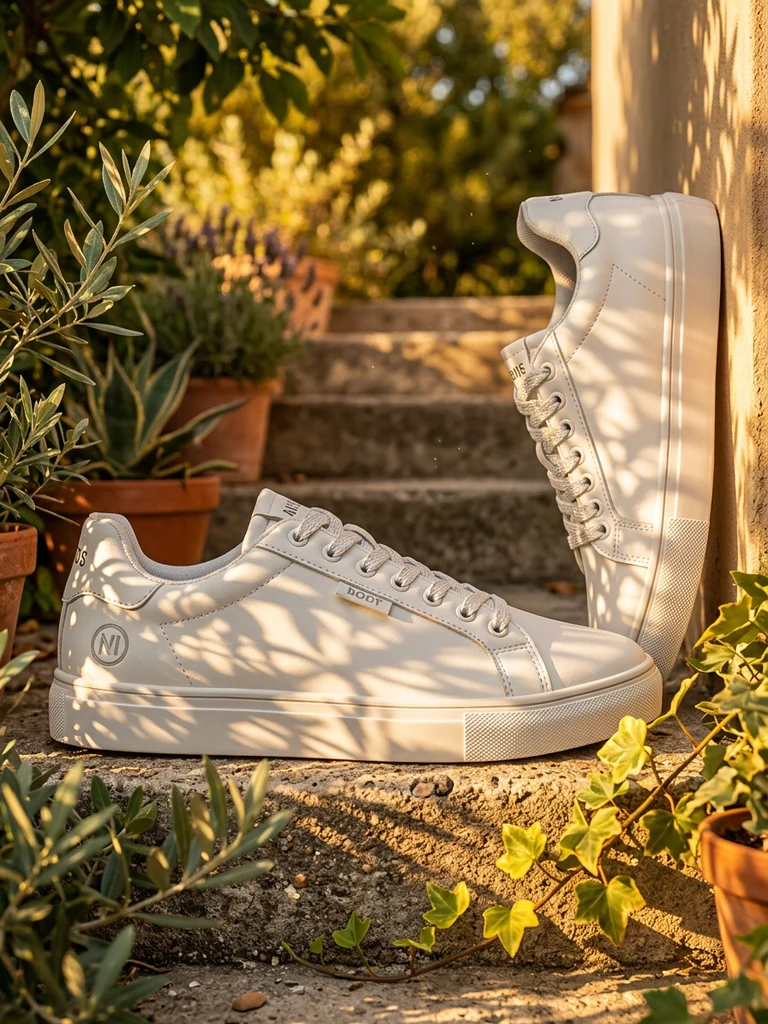
- White-background covers plus lifestyle scenes. Shopee's algorithm and ads favour clean covers; your secondary images convert better with context (a mug on a breakfast table, sneakers on pavement).
- Pricing that works at SKU scale. If you list 50 products with 5 photos each, per-image cost matters more than the monthly subscription headline.
The comparison at a glance
| Tool | Best for | Keeps product intact? | Starting cost | Free tier |
|---|---|---|---|---|
| Product DIY | SEA sellers (Shopee/Lazada/TikTok scenes, MYR pricing) | Yes — product locked, background regenerated | RM9.90 / 1,000 credits | 500 credits + free editor |
| Photoroom | Quick mobile edits, app-first workflow | Mostly | ~RM40/month | Limited, watermarked |
| Pebblely | Pretty lifestyle scenes for Western markets | Mostly | ~USD19/month | 40 images/month |
| Canva Magic Studio | Sellers already designing in Canva | Backgrounds only | ~RM26/month (Pro) | Very limited |
| remove.bg | Background removal only | Yes (cutout only) | ~USD9/month | 1 free preview/image |
Now the detail.
1. Product DIY — built for Shopee, Lazada and TikTok Shop sellers
Product DIY is our own tool, so judge this section accordingly — but it exists precisely because the Western tools above weren't built for Southeast Asian marketplaces.
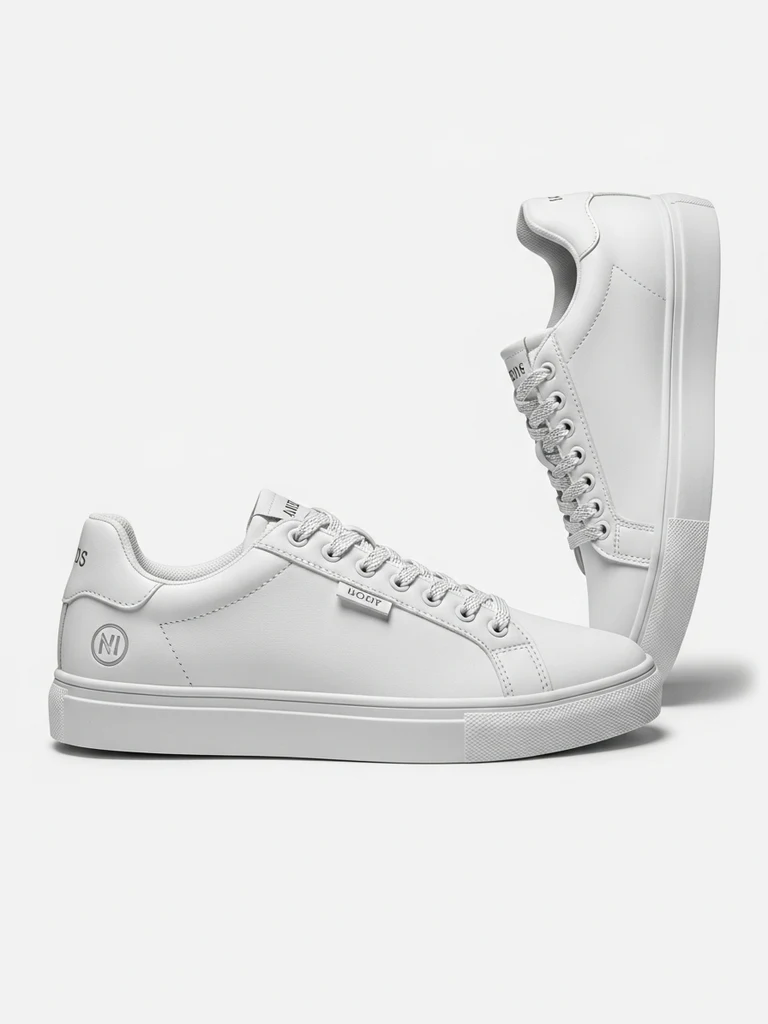
The core feature is background swap (recontext): you upload a phone photo, pick a scene preset — Shopee clean white, Lazada lifestyle, TikTok bold, or festival packs like CNY, Hari Raya and Deepavali — and the AI regenerates the background while keeping the product itself untouched. Logos, label text and packaging stay exactly as photographed, which is the single most important thing for marketplace listings.
What's different from the Western tools:
- Pay-as-you-go in ringgit. RM9.90 for 1,000 credits, no subscription. A standard generation costs about 100 credits, so roughly RM1 per finished photo. Credits never expire.
- Marketplace presets, not generic "aesthetic" scenes. The scene library is organised by platform and by SEA festival calendar.
- Two AI engines per generation. Each run gives you results from two different models side by side; you keep the better one.
- A completely free background remover and photo editor — no signup, no watermark — for sellers who only need a cutout and a template.
The honest downside: there's no mobile app yet (the web app works on phones), and the tool is image-only — no video generation.
2. Photoroom — strongest mobile app
Photoroom started as a background-removal app and grew into a full AI studio. The mobile app is genuinely excellent: snap a photo, get a cutout, drop it on a template in under a minute. If you run your whole shop from a phone and want an app-first workflow, it's the smoothest option.
Watch-outs for Shopee sellers: pricing is subscription-based (around RM40/month billed annually) and the AI backgrounds skew toward Western minimalist aesthetics. Fine for skincare; less convincing for, say, a rice cooker that needs a Malaysian kitchen scene.
3. Pebblely — prettiest lifestyle scenes
Pebblely produces some of the most attractive AI lifestyle scenes — soft shadows, botanicals, marble counters. For Instagram-adjacent product categories (candles, skincare, jewellery) the output looks premium.
Two caveats. First, reflective or text-heavy products sometimes come back with subtle distortions, so always zoom in and check your label before publishing. Second, it's priced in USD with a monthly quota — at USD19/month for 1,000 images it's good value if you generate constantly, expensive if you batch a catalogue once a quarter.
4. Canva Magic Studio — fine if you already live in Canva
Canva's Magic Edit and background generator are convenient if your team already designs vouchers and banners in Canva. The AI background quality has improved, but it's a general-purpose design tool: there are no marketplace-specific presets, and complex product edges (fur, glass, mesh) trip the cutout more often than the dedicated tools.
Use it when the photo is one part of a bigger design job. Don't subscribe to Pro just for product photos.
5. remove.bg — the cutout specialist
remove.bg does one thing — background removal — and does it reliably. It doesn't generate new backgrounds, so it's not a complete solution, but the API is the industry standard if you want to automate cutouts at scale.
For manual use, note that Product DIY's remover does the same job free without a signup, so try that first before paying per image.
Which one should you pick?
- You sell on Shopee/Lazada/TikTok in Malaysia or SEA: start with Product DIY — the presets, the festival packs and MYR pay-as-you-go are built for exactly this. The 500 free signup credits cover your first ~5 photos, so you can judge the quality on your own products before paying anything.
- You manage your shop entirely from a phone app: Photoroom.
- You sell "aesthetic" categories to Western customers: Pebblely.
- You just need cutouts: a free remover first, remove.bg's API if you automate.
Whichever you choose, run the same test: upload your worst phone photo — bad lighting, cluttered table — and check three things in the output: is the label text intact, are the edges clean at full zoom, and does the shadow direction match the scene. A tool that passes on your hardest product will pass on everything else.
Frequently asked questions
Does Shopee allow AI-generated product photos? Yes. Shopee's rules require that images accurately represent the item — they don't restrict how the image was produced. Keep the product itself unedited (that's what background-swap tools do) and you're compliant. What's risky is AI that redraws the product into something the buyer won't receive.
What size should a Shopee cover image be? Square 1:1, at least 1024 × 1024 px for crisp zoom. See our full Shopee image size guide for every slot and limit.
Can AI handle reflective products like glass bottles? This is the hardest category for every tool. Generate 2–3 variations and pick the cleanest — tools that show two engine outputs per run (like ours) effectively double your odds per credit.
Try it on your own product photos
Product DIY turns one casual phone photo into professional listing images, ad posters and try-on shots. New accounts get 500 free credits — no card needed.
Try AI Background Swap