How to Translate Text in Product Images (Without Redesigning Them)
If you import products — from 1688, Taobao, a Guangzhou supplier, a Korean brand — you've hit this wall: the supplier hands you beautiful marketing images, and every word on them is in a language your buyers can't read. A Chinese infographic listing ten features is worthless on Shopee Malaysia; worse, listings with foreign-only text get flagged in some categories and silently distrusted by buyers in all of them.
The traditional fixes are all bad: pay a designer RM30–80 per image to rebuild it, spend an evening per SKU faking it yourself in an editor, or — the most common choice — use the images as-is and eat the conversion loss. Here's the current state of the much better option: AI image translation that edits the text in place.
What "in-place" image translation means
Modern image translators don't slap a caption on top. The AI detects each text region, reads it, translates it, erases the original, reconstructs the background behind it, and re-renders the translated text — matching the original font weight, colour, and layout as closely as the target language allows.
The result: your supplier's professionally designed image, now reading in English or Bahasa Malaysia, with the photography, graphics and brand styling untouched. Our image translator covers 9 languages — English, Chinese, Malay, Indonesian, Thai, Vietnamese, Japanese, Korean and Arabic — which maps onto the actual routes SEA cross-border sellers run: China → Malaysia, Korea → Indonesia, Malaysia → Gulf markets, and so on.
The three jobs this solves
1. Supplier marketing images (the big one)
Chinese suppliers produce genuinely excellent product infographics — feature callouts, comparison charts, dimension diagrams. Translating these preserves design work that would cost hundreds of ringgit to recreate. This is the highest-ROI use: one minute per image instead of one designer-day per SKU.
2. Packaging shots
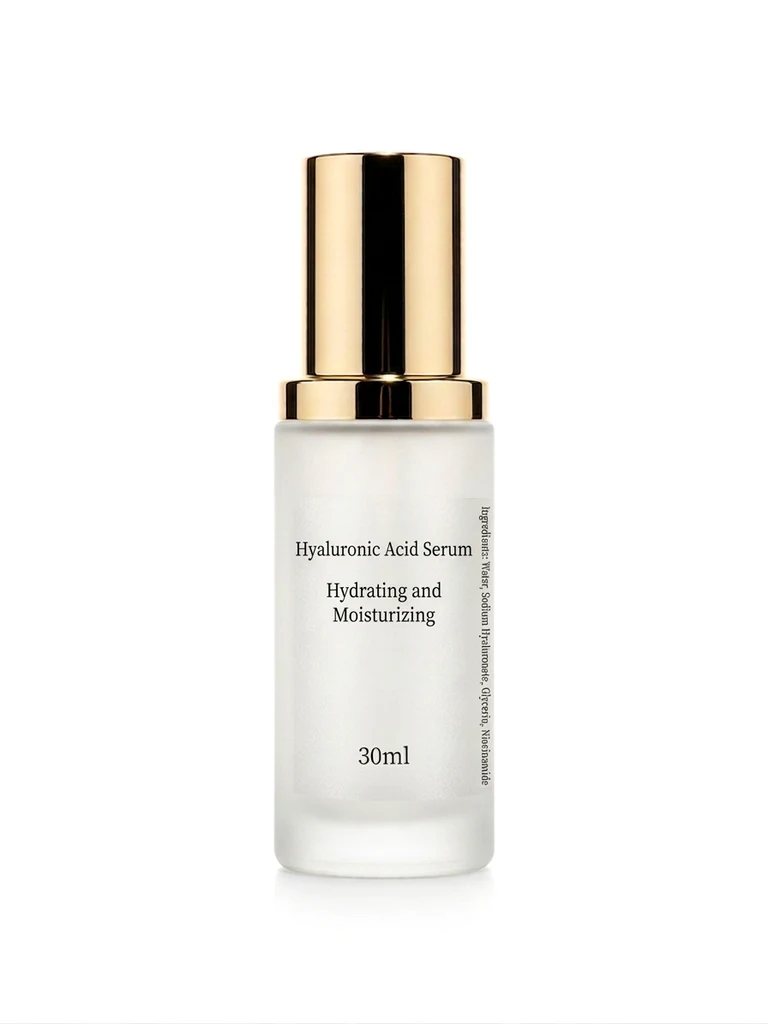
Buyers zoom into packaging text before purchasing skincare, supplements and food. A translated packaging shot answers "what is this product actually?" — though note the legal nuance below.
3. Expanding your own images to new markets
Made polished English creatives for your Malaysian shop and now opening in Thailand or Vietnam? Translate your own marketing images instead of re-briefing a designer per market. Same design system, every locale.
What to check after every translation
AI translation of images is production-ready but not review-free. The professional checklist:
- Numbers and units survived intact. Verify dimensions, weights and percentages against the original — this is the highest-stakes content on a product image.
- Brand names stayed untranslated. Product and brand names should transliterate or stay as-is; check the AI didn't "helpfully" translate a brand word that happens to mean something.
- Text fits its container. Malay and Indonesian run ~20–30% longer than Chinese; a cramped callout box occasionally needs the shorter synonym. Good tools handle resizing; you confirm it reads cleanly.
- Nothing else changed. The point of in-place editing is that the product photo is untouched — confirm logos and the product itself are identical to the source.
A practical feature worth using: per-line edit mode — translate everything automatically, then fix just one line ("change 'waterproof' to 'water-resistant'") without regenerating the whole image.
The legal line cross-border sellers should know
Translating marketing claims is fine. But for regulated categories — food, supplements, cosmetics — the physical product's label has its own rules: Malaysia requires BM labelling on food products, and health claims that were legal in the source market may not be in yours.
The clean separation: use translated images to present the product accurately, and make sure the physical item you ship carries whatever compliant sticker/label your category requires. An image translation is a sales asset, not a regulatory document. When a translated supplier image makes a health claim you can't legally make in Malaysia, delete that callout — in-place editing makes selective removal trivial.
Workflow for a batch of imported SKUs
- Collect the supplier's original-resolution images. Ask for the 原图 (original files), not WhatsApp-compressed copies — text reconstruction quality follows input sharpness.
- Translate the information-dense images first: infographics and feature charts move conversion more than beauty shots.
- Review with the checklist above — numbers, brands, fit, claims.
- Rebuild your gallery order: translated infographic in slot 3–6 of your Shopee gallery, translated packaging shot near the end, your own white-background cover in slot 1.
Cost per image is well under RM1, so a 20-SKU import batch with 4 images each translates for the price of one designer hour.
What about just using bilingual captions?
The cheap alternative — leaving images untranslated and explaining in the listing description — measurably underperforms. Mobile shoppers browse galleries; they read descriptions only after the gallery has sold them. Text on the image is what gets read. If the gallery speaks the wrong language, the description never gets its turn.
For sellers running the China → SEA import play, image translation is the difference between "reseller with foreign screenshots" and "local brand with professional creatives" — built from the same source files, at one-fiftieth the designer cost. Run a supplier infographic through the translator and compare it against your current listing; the free signup credits cover the test.
Try it on your own product photos
Product DIY turns one casual phone photo into professional listing images, ad posters and try-on shots. New accounts get 500 free credits — no card needed.
Try Image Translator