Shopee Product Image Size & Requirements Guide (2026)
Shopee's image rules look simple — square, under 2 MB — but the gap between accepted and converting is enormous. The same product with a compliant-but-lazy gallery and an intentional one can see conversion differ by multiples. Here are the current specs, the unwritten rules, and a slot-by-slot gallery plan.
Shopee image requirements (2026)
| Requirement | Specification |
|---|---|
| Aspect ratio | 1:1 (square) — other ratios get cropped or letterboxed |
| Minimum size | 500 × 500 px |
| Recommended size | 1024 × 1024 px or larger |
| Maximum file size | 2 MB per image |
| Formats | JPG, PNG |
| Image slots | Up to 9 per listing |
| Video slot | 1 video, 10–60s, up to 30 MB (counts separately) |
| Cover background | White or light recommended; required for some ad placements |
| Watermarks | Not allowed; promo text on cover discouraged |
The trap in this table is the 2 MB limit. A 1500 × 1500 PNG with a complex background easily exceeds it, and Shopee's uploader will either reject or visibly recompress it. Export listing images as JPG at ~85% quality — visually identical, comfortably under the cap. Keep PNG only for images with flat-colour graphics or text overlays.
The cover image: where Shopee is won
Shopee search results are a dense grid of squares. Your cover competes with 30+ others on the same screen, each about 150 px wide on a phone. At that size, three things determine taps:
- The product fills the frame. 80–90%. Empty white margins are wasted pixels at grid size.
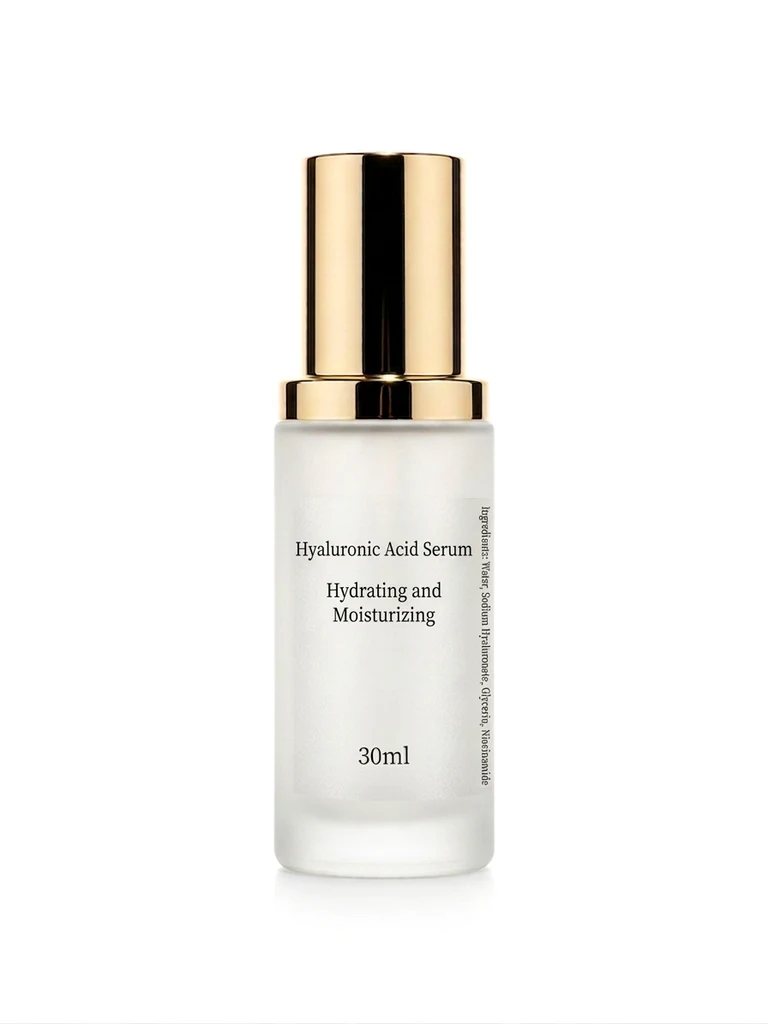
- Clean separation from the background. A white or near-white background with a subtle contact shadow makes the product pop at thumbnail scale — which is why Shopee recommends it and ads enforce it.
- One product, one message. Multi-product collages and text-covered covers read as noise at 150 px and get scrolled past.
The fastest way to a compliant cover from a phone photo: remove the background free, place the cutout on pure white at 1024 × 1024. If you want the more premium "studio shadow" look instead of a flat cutout, a background swap with a clean-white scene preset generates a realistic ground shadow in one step.
A 9-slot gallery plan that converts
Shopee gives 9 slots; most sellers use 3. The complete sequence:
- White cover — product 85% of frame, nothing else.
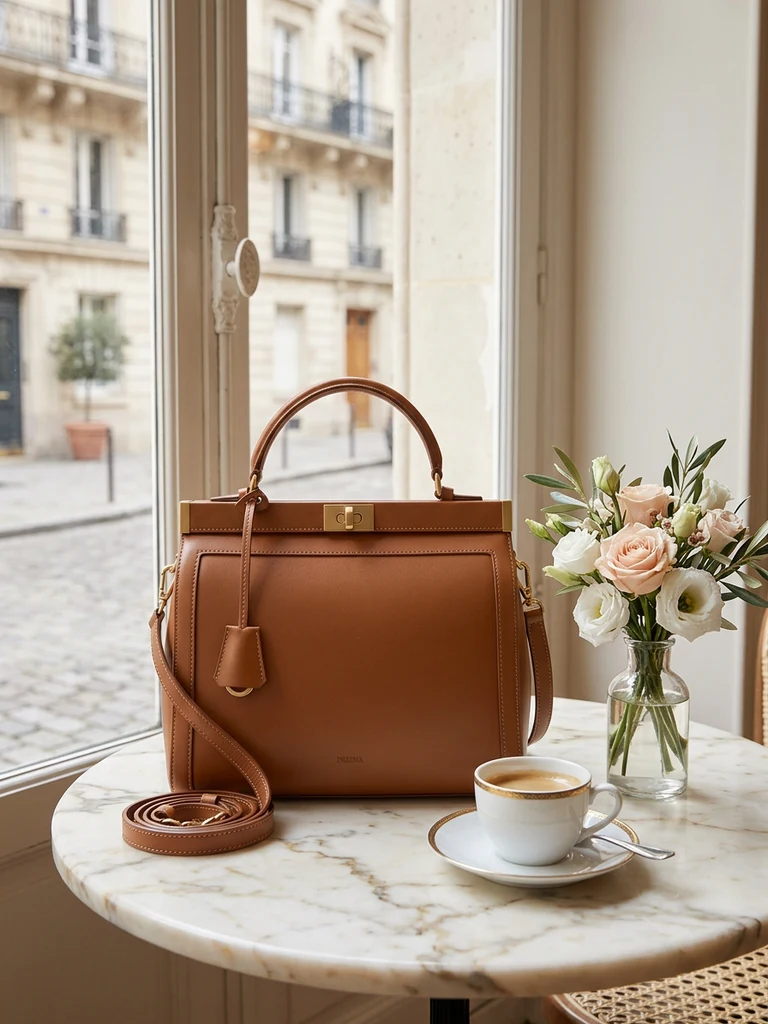
- Best angle in context — the 45° beauty shot on a complementary scene.
- Lifestyle scene — the product in use. The desire image. Generate it from your existing photo if staging is impractical — keep the scene believable for your buyer (a Malaysian kitchen, not a Scandinavian loft, if you sell rice cookers).
- Scale shot — in hand or beside a familiar object. Cuts "size not as expected" returns dramatically.
- Detail/texture close-up — the zoom-bait image; this is why you export at 1024+.
- Spec infographic — 3–4 callouts, big type. One AI ad poster generation from your product photo handles layout and typography.
- Variants grid — all colours/sizes in one frame, labelled.
- What's in the box — flat lay of contents. Pre-empts disputes.
- Honest photo — one unstaged, real-light frame. Counterintuitively boosts trust and protects your rating when buyers compare.
One window-light phone session covers slots 1, 2, 4, 5, 7, 8 and 9 — the full technique is in our no-photographer guide. AI generation covers 3 and 6 for about RM2 total.
Shopee vs Lazada vs TikTok Shop specs
Cross-listing? Produce once at 1200 × 1200, then export per platform:
| Shopee | Lazada | TikTok Shop | |
|---|---|---|---|
| Ratio | 1:1 | 1:1 | 1:1 |
| Recommended px | 1024+ | 1000+ (zoom threshold) | 1200 |
| Max size | 2 MB | 5 MB | 5 MB |
| Slots | 9 | 8 | 9 |
Full details for the other two: Lazada image size guide and TikTok Shop photography guide.
Mistakes that get listings suppressed or ignored
- Reusing the manufacturer's stock photo. You enter a grid of identical covers and compete on price alone. One original photo breaks the tie in your favour.
- Upscaling small images to hit 1024. Shopee zoom magnifies the blur; buyers read blur as "cheap."
- Promo text on the cover. "FREE GIFT!!" covers are excluded from several ad formats and look like spam in organic search anyway. Badges belong on slots 6–8.
- Ignoring the video slot. Listings with video get a visible play icon in search results — an attention edge that costs one minute of phone footage.
- Inconsistent covers across your shop. Your shop page is a brand surface. Identical framing and background across listings reads as professional; a jumble reads as a dropshipper.
Pre-publish checklist
- 1:1, ≥1024 × 1024 px, JPG under 2 MB
- Cover: white background, product ≥80%, zero text
- 100% zoom check: edges clean, label legible
- 9 slots filled in deliberate order, video slot used
- Cover style consistent with the rest of your shop
Specs get you published. The gallery plan gets you the order. Spend the extra hour.
Try it on your own product photos
Product DIY turns one casual phone photo into professional listing images, ad posters and try-on shots. New accounts get 500 free credits — no card needed.
Remove a Background Free