Lazada Product Image Size Guide & Best Practices (2026)
Lazada rejects or suppresses listings over image problems more often than over titles or pricing — and the rules are scattered across Seller Center help pages that contradict each other depending on the country site. This guide consolidates the current requirements for Lazada Malaysia (they apply across most SEA sites) and, more usefully, shows how to fill every image slot so the listing actually converts.
Lazada image requirements (2026)
| Requirement | Specification |
|---|---|
| Aspect ratio | 1:1 (square) |
| Minimum size | 330 × 330 px (listings publish, but zoom is disabled) |
| Recommended size | 1000 × 1000 px or larger — enables image zoom |
| Maximum file size | 5 MB per image |
| Formats | JPG, JPEG, PNG |
| Number of images | Up to 8 per product |
| Main image background | White or very light, product fills 80%+ of frame |
| Watermarks & logos | Not allowed on the main image |
| Text overlays | Discouraged on main image; allowed on secondary images |
Two of these matter far more than the rest:
The 1000 px zoom threshold. Below 1000 × 1000, Lazada disables pinch-zoom on your images. Shoppers who can't inspect the texture of a fabric or the print on a label simply don't buy. Always export at 1000 px minimum; 1200–1500 px is the sweet spot between zoom quality and load speed.
The white main image rule. Lazada's search grid and campaign placements (FlashSale, LazMall banners) assume white covers. Listings with cluttered covers get excluded from some campaign modules automatically. Whatever your brand style, image #1 should be the product, white background, no props.
Why sellers fail the white background rule
Most rejected covers aren't not white — they're almost white: a grey-ish bedsheet, a cream wall, a shadow gradient. Lazada's automated checks flag these inconsistently, which is why one listing passes and the identical next one doesn't.
The reliable fix is to stop photographing white backgrounds and start compositing them:
- Photograph the product on any plain surface with good window light.
- Run it through a free background remover to get a clean cutout.
- Place the cutout on a pure white (#FFFFFF) canvas at 1200 × 1200, product filling ~85% of the frame.
Three minutes, RM0, passes every time, and your product edges stay crisp. If you want a soft natural shadow under the product instead of a floating cutout, an AI background swap with a "clean studio white" preset regenerates realistic ground shadow automatically — that's the look LazMall brands use.
How to fill all 8 image slots
Lazada gives you 8 slots; top sellers use a consistent sequence. Here's a structure that works across categories:
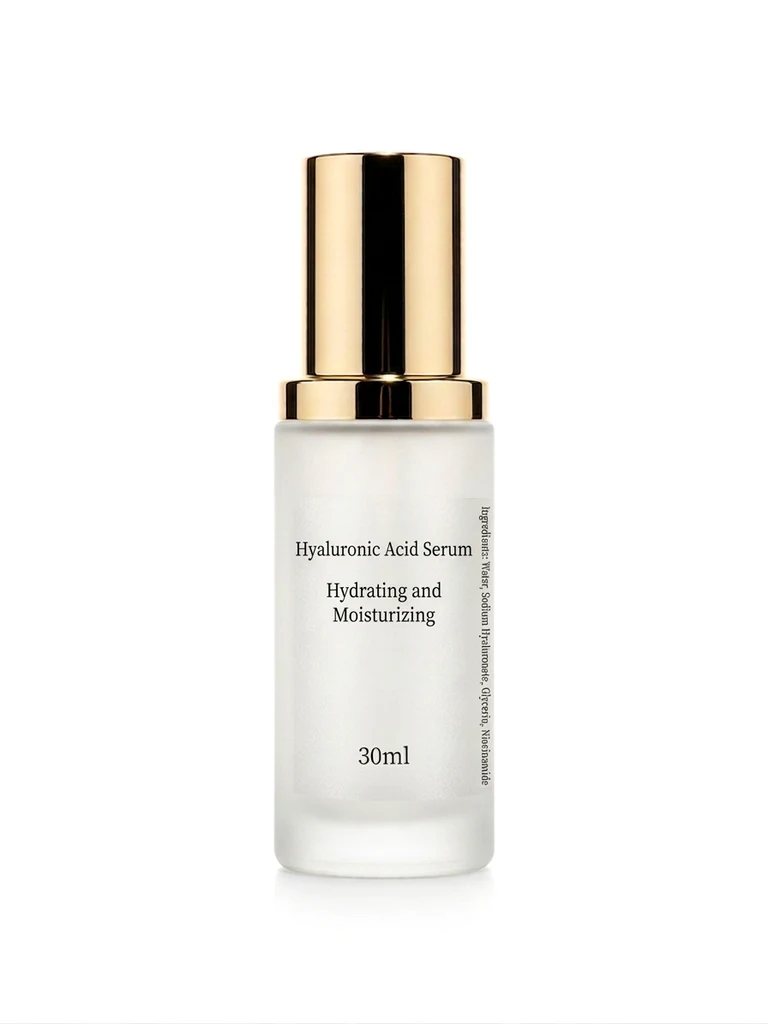
- White-background hero — the compliance slot. Product only.
- 45° detail angle — the second-most-clicked image; show depth and build quality.
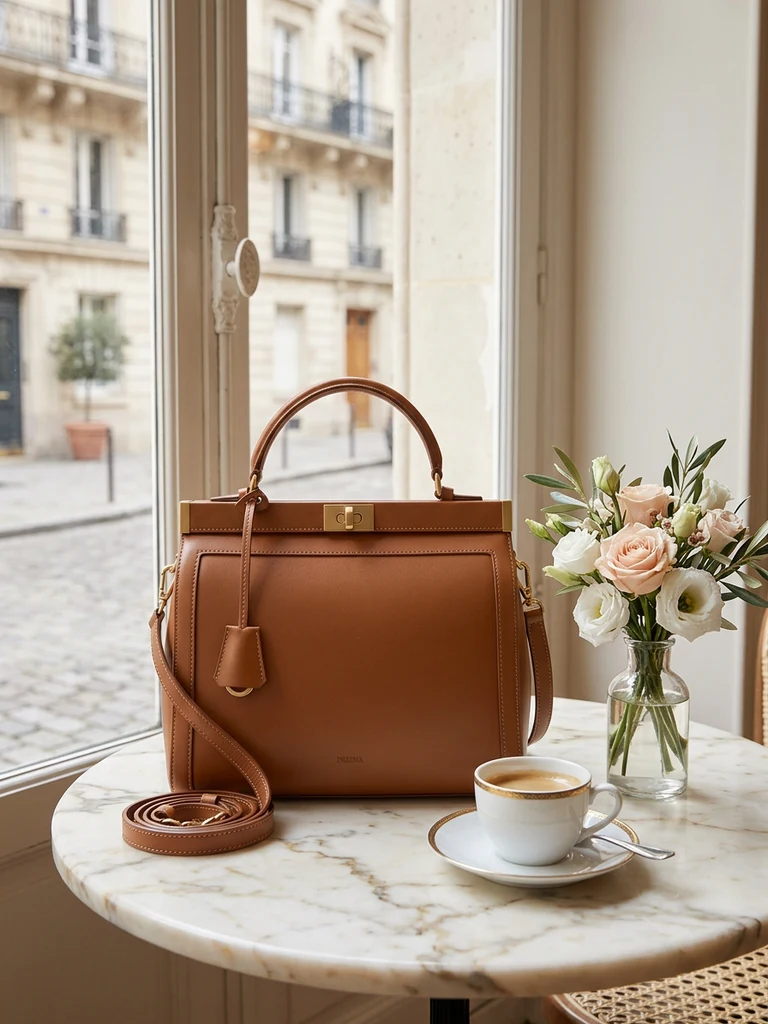
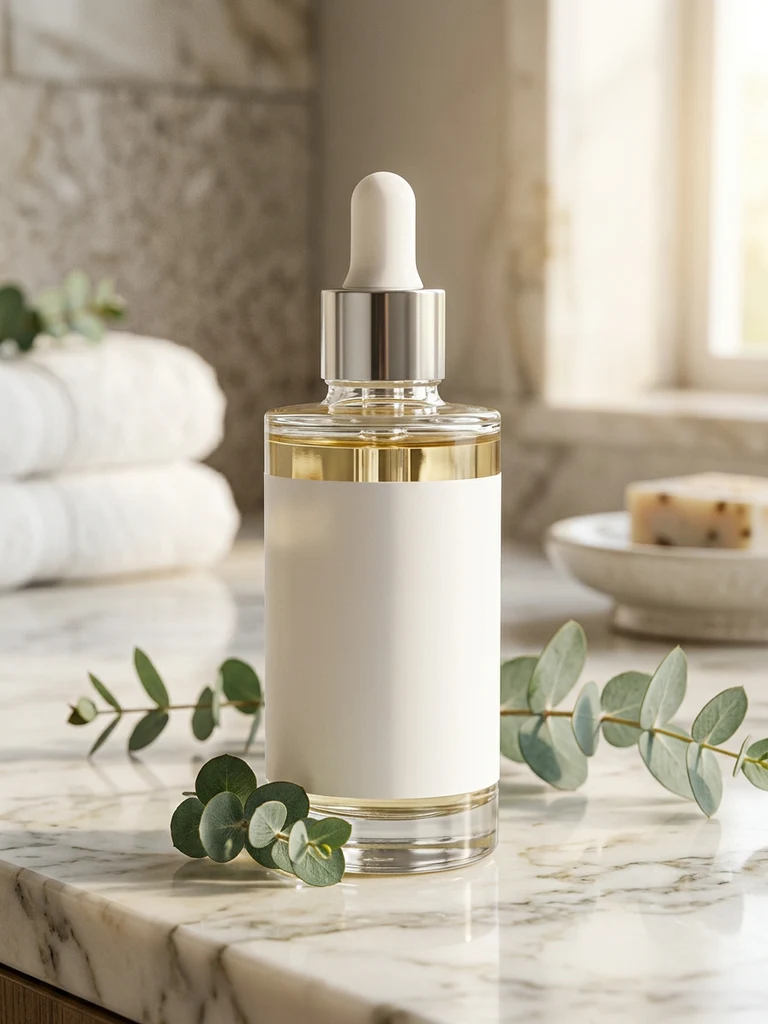
- Lifestyle scene — the product where it lives: skincare on a bathroom counter, headphones on a desk. This is the image that creates want. Generate it from your existing photo with a background swap if you can't stage a real scene.
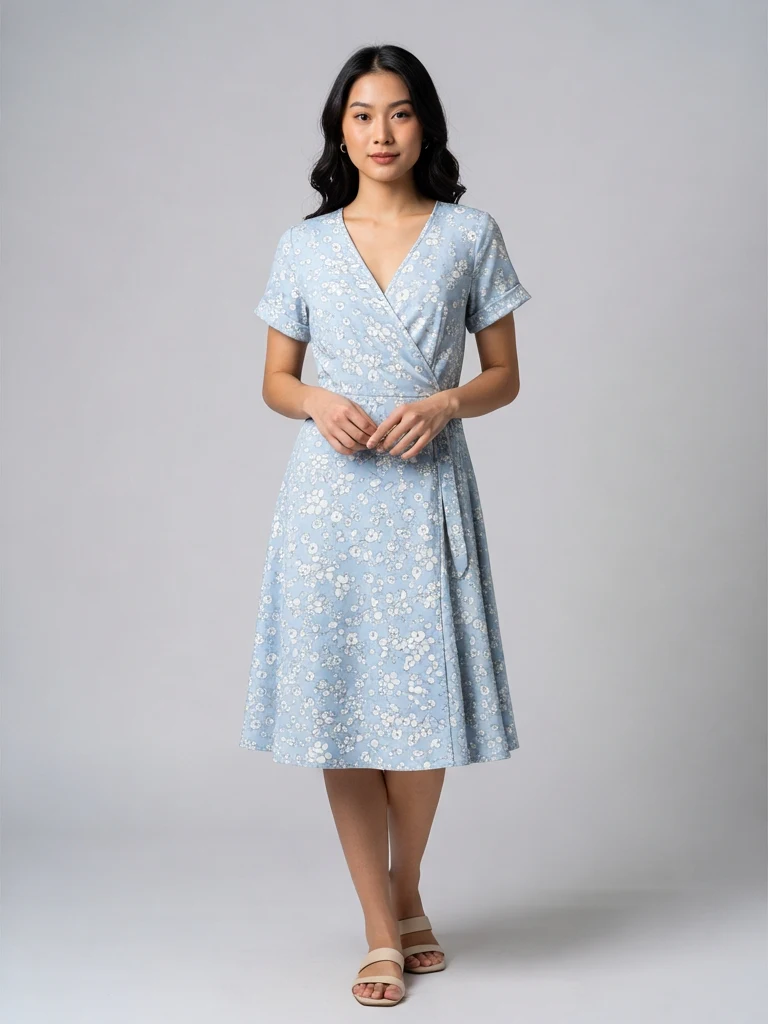
- Scale reference — in hand, worn, or next to a familiar object. The #1 cause of returns is "smaller/bigger than expected."
- Texture close-up — fabric weave, label, stitching. This is what the 1000 px zoom rule exists for.
- Infographic — 3–4 spec callouts with large type. An AI ad poster generates this layout from one product photo.
- What's in the box — flat lay of everything included. Kills "missing item" disputes pre-emptively.
- Promo/variant frame — colours available, bundle deal, or current campaign badge.
You don't need eight photo shoots for this. One good phone session captures slots 1, 2, 4, 5 and 7; AI generation covers 3 and 6; the editor covers 8. Our no-photographer workflow walks through the single shoot that feeds all of these.
Lazada vs Shopee image rules
If you cross-list (most Malaysian sellers do), the deltas to remember:
| Lazada | Shopee | |
|---|---|---|
| Ratio | 1:1 | 1:1 |
| Zoom threshold | 1000 × 1000 px | 1024 × 1024 px recommended |
| Max file size | 5 MB | 2 MB |
| Image slots | 8 | 9 |
| White cover | Required for campaigns | Recommended, required for some ads |
The practical move: produce every image at 1200 × 1200 px and export twice — full quality for Lazada, compressed under 2 MB for Shopee. Details on the Shopee side are in our Shopee image size guide.
Image mistakes that quietly hurt ranking
- Upscaled small images. Blurry-at-zoom images correlate with lower conversion, and conversion feeds Lazada's search ranking. Never stretch a 500 px photo to 1000.
- Inconsistent covers across your shop. Your shop page is a grid; mixed styles read as a reseller, uniform covers read as a brand.
- Borrowed marketing images. Using the manufacturer's photos puts you in a grid of ten identical listings competing purely on price. One original photo session immediately differentiates every listing you own.
- Text baked into the main image. It can pass review and still get you excluded from campaign placements. Keep promotional text on slots 6–8.
Quick checklist before you publish
- 1:1 ratio, at least 1000 × 1000 px, under 5 MB
- Main image: white background, no text, no watermark, product ≥80% of frame
- Zoom in to 100% — edges clean, label readable
- All 8 slots used, in a deliberate order
- Same cover style across your whole shop
Meet the specs, fill the slots with intention, and your images stop being a compliance chore and start being the reason your listing outranks the seller with the identical product and the lower price.
Try it on your own product photos
Product DIY turns one casual phone photo into professional listing images, ad posters and try-on shots. New accounts get 500 free credits — no card needed.
Try AI Background Swap